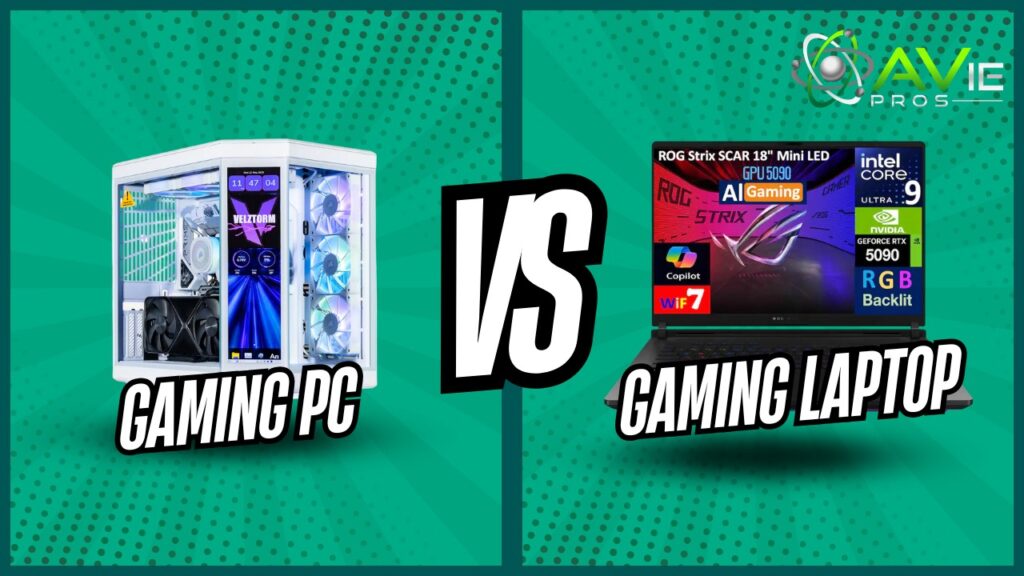
One of the most favourite hobbies in the world nowadays is gaming. One common question beginners ask is which is better, a laptop or a PC, for gaming? The majority of beginners choose games with improved graphics and smooth gameplay. For this reason, they often think about purchasing a gaming desktop or laptop. Both of them appear strong and attractive at first glance. But the beginners are not sure about which to pick.
Some desktops are more stable and powerful, while other laptops claim to be better because they are portable. In general, inexperienced users are afraid of losing money or don’t understand technical things. This blog works to clear up that confusion. It prioritizes practical application above difficult-to-understand specs and describes everything in simple language. Let’s explore it:
What is a Gaming Laptop
A portable computer designed for smooth game rendering is called a gaming laptop. While it has more powerful hardware inside, it appears to be a standard laptop when comparing gaming laptop vs desktop performance. Because of these qualities, resource-intensive games with amazing graphics and quick action may be played on this device easily.
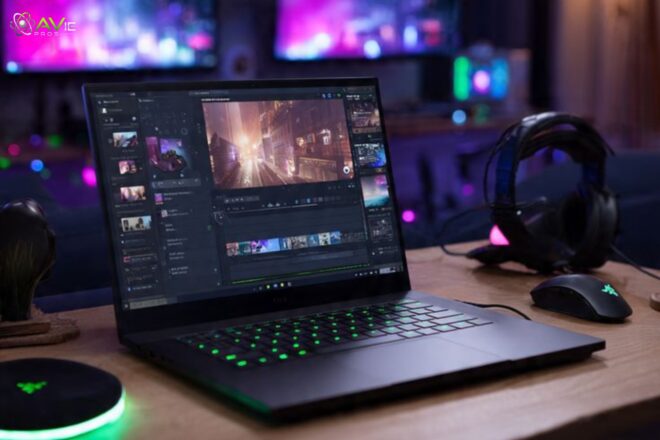
Because gaming laptops are portable, beginners love them. You can take it to your friend’s place or play on it while relaxing in bed. A screen, keyboard, and mouse pad are also pre-installed on gaming laptops. As a result, setting up this device is simple, and you may begin using it immediately.
Their design is supposed to strike a balance between portability and power. They also become hot and noisy during long gameplay because all those parts have to fit into a small body. Gaming laptops appear so clear-cut, easy to use, and convenient to a beginner. Without the need to set up additional devices, you simply open the box, install a game, and start playing.
What is a Gaming Desktop
A powerful customized computer is called a gaming desktop and is often preferred when comparing gaming laptop vs desktop performance. The large box, keyboard, mouse, and monitor are its separate parts. These computers are known for their durability and high performance. People who want to play the best games at home are demanding gaming desktops.
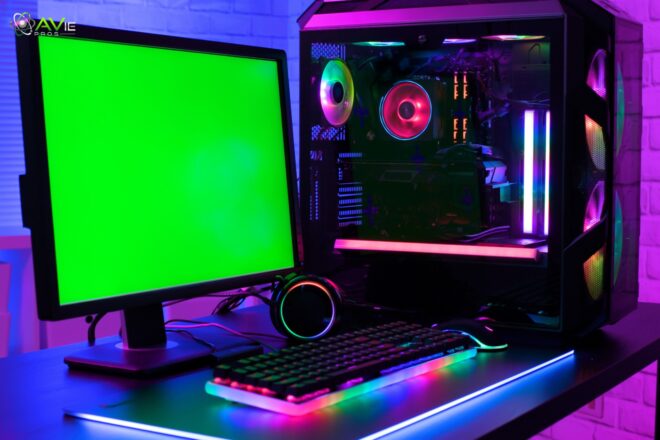
Beginners may initially be confused by the large number of parts, but after it is assembled, it will be simple to operate. Desktops can stay cool since they have greater space within. In this situation, games can run continuously for several hours.
In the future, upgrading the desktop will be much simpler. Instead of purchasing a new system, you will just replace any necessary parts. Desktops appear difficult to new users at first, but with time, they are seen as having a lot of power and usefulness.
Difference Between Gaming Laptop and Desktop
The user’s needs can be fulfilled after having an understanding of both, especially when researching gaming laptop vs desktop price and features. Let’s crack down on differences and check what’s the best one for you:
1. Performance
The smoothness and overall appearance of games are referred to as performance, a major factor in gaming laptop vs desktop performance comparisons. Gaming desktops typically perform better than gaming laptops, no matter the price. Desktops provide greater cooling and more room for stronger parts, which is why it happens.
While having the same name, a desktop graphics card typically beats its laptop version. Although they are limited by size and heat, gaming laptops are also very powerful. In light games, this might not be apparent to new players.
However, a PC offers better frame rates and smoother gaming in demanding games. During extended sessions, desktop computers remain stable as well. When they become hot, laptops may slow down. For beginners who do all of their work from home, a desktop typically wins if performance is the top priority.
2. Portability and Ease of Movement
Portability is one of the main reasons people choose gaming laptops. It is simple to move a gaming laptop from one location to another. You may easily go from room to room or play games while on the go. Students or others who move around a lot will love this.
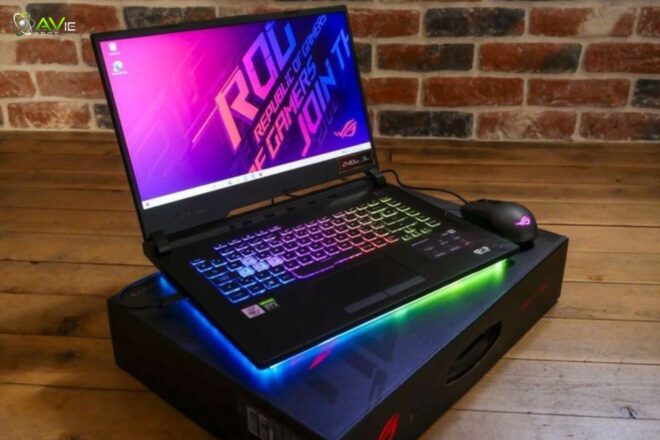
Desktops used for gaming are not at all portable. They always need a computer and a power source. It’s dangerous and expensive to move a desktop setup. A gaming laptop seems more sensible to beginners who appreciate freedom of movement.
The issue of portability won’t really matter if you spend the majority of your gaming time at home. Desktops are designed for use in one location and provide comfort. More than your gaming skills, this decision is based on your daily routine and way of life.
3. Price and Budget Considerations
Price is a major factor for new users, especially when comparing gaming laptop vs desktop price. Gaming laptops are typically far more costly than desktops with comparable performance. For such portability and small size, you truly pay a premium. A desktop may typically provide greater gaming performance.
For someone new to a small budget. Depending on your budget, you can select parts for your desktop. You can start simply and work your way up. When purchasing a gaming laptop, you are locked into the setup and don’t have that much choice.
Desktops make more sense because beginners usually only want the greatest value. But gaming laptops save money on accessories because they come with a screen and keyboard. Beginners need to first decide how much they are ready to invest in exchange for what they want.
4. Upgrade Options and Future Proofing
Improving your system over time is called upgrading, a key topic in pros and cons of gaming laptop vs desktop. Upgrading a gaming desktop is typically very easy. The processor, card memory storage, and graphics can all be changed. Your system will be beneficial for many years as a result. Because they can upgrade to suit their needs and learn gradually, beginners love this.
There is very little upgrading available for laptops designed for gaming. The majority of their hardware is fixed, though you may typically update memory or storage. You must now purchase a new laptop as soon as it becomes old.
Desktops are a safer option for beginners who want to play for extended periods of time. They adapt to your requirements and abilities. Long-term cost savings and less stress are two benefits of this flexibility.
5. Heat Management and Cooling Experience
Comfort and game performance can be affected by heat, especially in gaming laptop vs desktop performance discussions. Even after hours of use, gaming desktop PCs remain cool thanks to their bigger cases and strong fans. A cool system is more reliable and runs smoothly. Due to their small bodies, laptops have less cooling capacity.
Which frequently causes them to overheat and produce extremely loud fans. This could be uncomfortable for beginners who play for long periods of time. High temperatures have the ability to seriously damage performance over time.
This is where desktop computers enable better ventilation or, if necessary, specialized cooling. If beginners simply want stable gameplay without worrying about temperature problems, desktop management is simpler. To prevent overheating, laptops need to be placed carefully and have sufficient airflow.
6. Gaming Comfort and Screen Experience
Beginners want the most comfortable experience possible. You can select a large screen, a comfortable keyboard, and a mouse for gaming desktops. This reduces stress and enhances the gaming experience. You’ll be able to sit properly and customize everything to what you want.
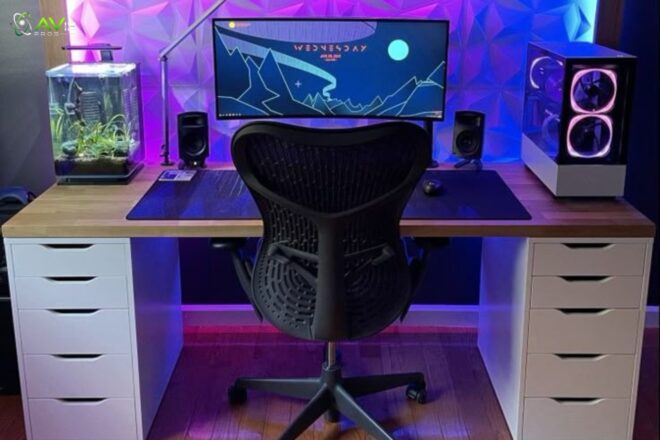
Small screens and keyboards are connected to gaming computers. Long sessions may make this uncomfortable. On the other hand, laptops don’t need a desk arrangement and are simple to use anywhere. The smaller screen size might not be a problem for beginners who play casually.
Desktops would be ideal if you play for hours every day. Your enjoyment of gaming is influenced by your comfort level. Technical prowess is less important than what makes you feel happy.
7. Power Consumption and Electricity Use
Power consumption is one aspect many beginners don’t consider. Basically, because of their powerful components, gaming PCs demand a lot of electricity. If you frequently use it for gaming, this will increase your electricity bill.
Power-efficient gaming laptops may run on batteries for extended periods of time and use less electricity. But when using a battery to play games, this lowers performance. This can be a better option for the beginner who considers energy usage.
The powerful desktops will require continuous power. Understanding this helps with more effective cost planning. For casual gamers, power consumption might not be a big deal, but it’s still a good thing to know before making a purchase.
8. Setup Process
For a beginner, setup is important. Gaming-specific laptops are very simple to set up. You simply remove the device from the box, charge it, and start using it. Everything has been built into laptops. Desktops for gaming need to be set up. The power cable, keyboard, mouse, and monitor must all be connected.
This may appear complicated at first, but once completed, it is quite simple to use on each and every day. While some beginners choose desktops, others choose laptops since they need no setup work. You shouldn’t be afraid of the setup process. To assist beginners in configuring their desktops, a number of guides are provided.
9. Durability and Long-Term Use
The durability of a device means how long it will last. Because gaming PCs had replacement parts and good cooling, they usually lasted longer. Repair or repair any other faults on your own. On the other hand, laptops are easily destroyed.
Both the design and the heat may reduce the longevity. Additionally, cases are difficult to repair and might be costly once finished. But sometimes, repairs are not possible. First of all, desktop computers are safer for people who plan to use them for extended periods of time.
Laptops need regular maintenance and cleaning. This does not mean that laptops should not be bought, but desktop computers are simply easier to maintain. A new person can make better decisions if they have a long-term perspective.
10. Space Requirements and Room Setup
When deciding between a laptop and a desktop, this is where space becomes important. Laptops used for gaming take up a small space. They can also be used on your bed or a small table. That’s great for shared areas or small rooms.
On the other hand, gaming desktops need a suitable computer and chair. Additionally, they take up room for the accessories and monitor. Perhaps laptops will be easier for beginners who live in small homes.
Desktops may be very popular among people who have a dedicated gaming area. Comfort and organization are impacted by space. Don’t force a desktop into a small space if it feels difficult. However, choose according to what your room will allow.
11. Gaming Types and Usage Style
Every gamer is special, and every gamer has a different style. Due to the comfort of use and variety, casual gamers who play sometimes can enjoy gaming laptops. On the other hand, heavy or competitive gamers typically choose desktop computers.
They can handle demanding games without overheating and offer an enjoyable experience. Beginners might think about the games they truly wish to play. While heavy games work incredibly well on desktops, laptops do very well for light gaming.
As time passes, your gameplay style will change. Your enjoyment of gaming will increase if you can begin with a suitable device. Once more, there is no wrong decision. Your level of concern will decide this.
12. Noise Levels During Gaming
Noise may interfere with the comfort of gaming. The noise level of gaming computers is generally pretty bearable. They have quieter, bigger fans. When operating at a heavy load, the hot gaming laptops are always noisy. To avoid the heat, the small fans rotate quickly.
Such laptop noise could be annoying to beginners. Especially when playing video games at night. On desktops, the overall experience is quieter. This is important while sharing a room. Although it is commonly ignored, the noise level is important. Select whatever is most at ease in your surroundings.
13. Maintenance and Cleaning Needs
Devices need maintenance to perform properly. Gaming desktops are simple to clean because you can remove dust by opening the case. It’s a little more difficult to clean gaming computers. Dust affects performance and jams cooling systems. Beginners might ignore maintenance.
Desktops are more forgiving of these errors. Laptops need to be handled with extreme caution. Cleaning regularly extends life. A beginner can maintain the health of his system by understanding after-sales maintenance, and he should select what he can easily handle.
Learning Experience for New Gamers
Desktop computers used for gaming help users learn about and understand computer components and upgrades. Long into the future, this knowledge will be useful. Gaming laptops are simple but less focused on education, and they have everything.
Desktops may be attractive to beginners who wish to understand technology. Laptops could be preferred by those seeking an easy gaming experience. If you want to advance in the gaming or tech industries, a learning experience is important.
Final Comparison and Beginner Decision Guide
Your needs will decide which option is best for you when choosing the best gaming laptop vs desktop. While gaming desktops are strong and offer options for upgrades, all gaming laptops have the benefit of portability and ease of use. A beginner should consider their goals, budget, and play style.
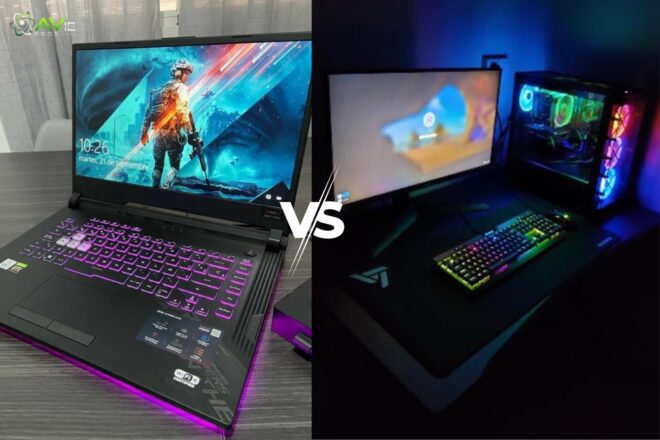
Choose a laptop for ease of use and flexibility. When selecting a desktop, focus on long-term value and performance. Since there is not a single greatest option, both are good choices. What works best for you is the finest.
Conclusion
Both gaming laptops and gaming desktops have advantages and disadvantages, clearly showing the pros and cons of gaming laptop vs desktop. Additionally, you don’t have to buy anything quickly if you’re a new gamer. The ideal option will depend on how and where you are playing. Just consider your goals for the upcoming years, where you plan to play, and your budget.
No matter where you are in the world, a laptop computer is with you. However, it will also enable you to have the greatest strength possible. It should never be stressful to play video games. It should never be stressful to play games. In the end, your gaming experience will be more important than your gaming tools.
FAQs
Is a gaming laptop good for beginners?
Yes, gaming laptops are good for beginners who want an easy setup and portability.
Do gaming desktops last longer?
Yes, gaming desktops usually last longer because they can be upgraded and cooled better.
Which is cheaper for beginners?
Gaming desktops often offer better performance for the same price.
Can beginners build a gaming desktop?
Yes, beginners can build desktops with guides, and it helps them learn.
Are gaming laptops weaker than desktops?
Gaming laptops are powerful, but desktops usually perform better at the same cost.