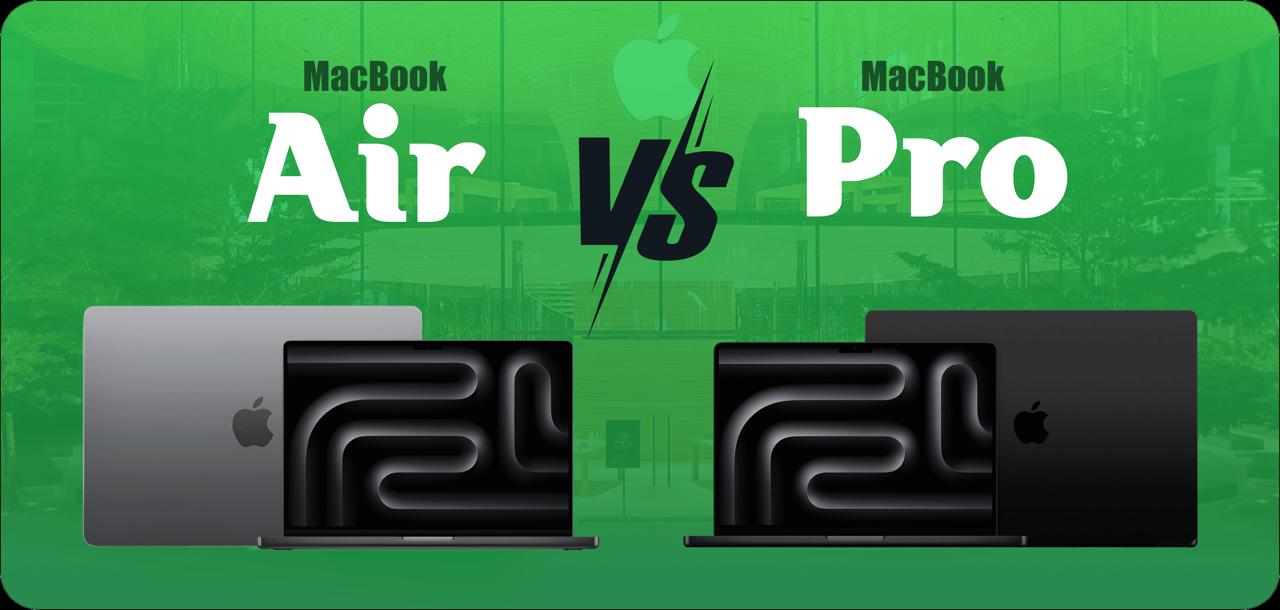
Are you wondering how to find out the best Mac for you? Here’s the solution to your confusion. Both the MacBook Pro vs MacBook Air are launched with amazing features and functionalities. The MacBook Pro offers video editing, programming, and a large screen or display.
On the other hand, the MacBook Air is also the best option for users who perform daily tasks such as web browsing and content creation. We are going to explore the major and visible differences that can differentiate them and make one device more unique. So we can choose the best for our daily routine. Let’s get into:
MacBook Pro vs MacBook Air Specifications
The specifications are essential to consider because we can judge on the behalf of features. It includes screen size, display, resolution, weight, dimensions, connections, battery time, speaker quality, and performance. We draw a chart of all MacBook Pro and Air models to give a realistic count to understand. Let’s have a look at it and compare each feature:
| Feature | 13″ MacBook Air (M3) | 15″ MacBook Air (M3) | 14″ MacBook Pro (M4) | 14″ MacBook Pro (M4 Pro) | 16″ MacBook Pro (M4 Pro) |
|---|---|---|---|---|---|
| Screen Size | 13.6 in | 15.3 in | 14.2 in | 14.2 in | 16.2 in |
| Resolution | 2,560 × 1,664 pixels | 2,880 × 1,864 pixels | 3,024 × 1,964 pixels | 3,024 × 1,964 pixels | 3,456 × 2,234 pixels |
| Weight | 2.7 lbs | 3.3 lbs | 3.4 lbs | 3.5 lbs | 4.7 lbs |
| Dimensions (HWD) | 0.44 × 11.97 × 8.46 in | 0.45 × 13.4 × 9.35 in | 0.61 × 12.31 × 8.71 in | 0.61 × 12.31 × 8.71 in | 0.66 × 14.01 × 9.77 in |
| Connections | Thunderbolt 4 ×2, headphone, MagSafe 3 | Thunderbolt 4 ×2, headphone, MagSafe 3 | Thunderbolt 4 ×3, HDMI, SDXC card, headphone, MagSafe 3 | Thunderbolt 5 ×3, HDMI, SDXC card, headphone, MagSafe 3 | Thunderbolt 5 ×3, HDMI, SDXC card, headphone, MagSafe 3 |
| Battery | 52.6-watt-hour | 66.5-watt-hour | 72.4-watt-hour | 72.4-watt-hour | 100-watt-hour |
Difference Between MacBook Air and Pro
Let’s create the history of both MacBooks and see the major changes. The MacBook Pro launched in different sizes, 14 inches and 16 inches. When we discuss the 14-inch MacBook Pro, it is designed amazingly with three M4 configurations. These configurations include M4, M4 Pro, and the M4 Max. If you turn to the 16-inch option of MacBook Pro it also supports high-performing chips.
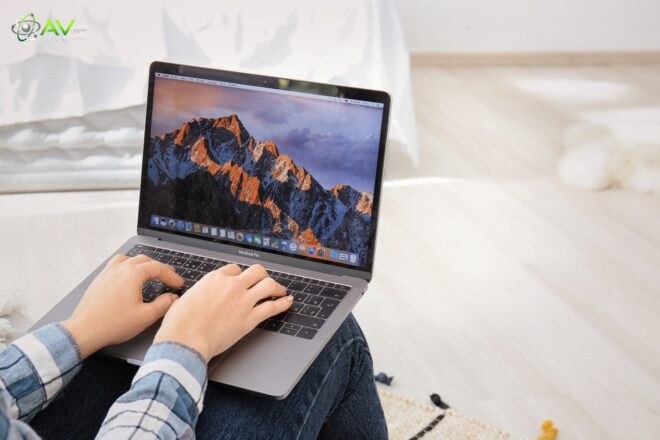
In the comparison of the 14-inch MacBook Pro and 16-inch, the M4 Max is the winning launch as it contains a powerful media engine that can run more tasks. Let’s discuss the MacBook Air model, it’s also a safe product and has 4 inputs thunderbolt and MagSafe 3 charging port. MacBook Air contains an M3 configuration and it’s older than new latest update of M4. Now turning to the clear and exact battle of both components.
MacBook Air vs Pro: Cost and Components
| Component | 13-inch MacBook Air (M3) | 15-inch MacBook Air (M3) | 14-inch MacBook Pro (M4) | 14-inch MacBook Pro (M4 Pro) | 16-inch MacBook Pro (M4 Pro) |
|---|---|---|---|---|---|
| CPU | M3 | M3 | M4 | M4 Pro | M4 Pro |
| CPU Cores | 8 | 8 | 10 | 12 | 14 |
| GPU Cores | 8 | 10 | 10 | 16 | 20 |
| Starting RAM | 16GB | 16GB | 16GB | 24GB | 24GB |
| Starting Storage | 256GB | 256GB | 512GB | 512GB | 512GB |
| Starting Price | $1,099 | $1,299 | $1,599 | $1,999 | $2,499 |
The MacBook Air is available in two sizes but different inches 13.6 inches and the other one has a 15.3-inch display. The cost varies differently as the 13.6 inches ear can be purchased at $1,099 and 15.3 inches is more expensive and accessible at $1,299. MacBook Air M3 processor both versions are along with the same RAM and SSD. The Apple M3 processors have 16GB RAM and 256GB SSD attached to them. The Air M3 chip is the best having 8 CPU cores and the same GPU. For 15 inches, the chip contains 8 CPU cores but 10 GPU cores to make it a better model.
The MacBook Pro prices are higher than the MacBook Air. No doubt they are available in large displays of 14.2 inches and 16.2 inches. The first one 14.2 inches Pro starts from $1,599 and the 16.2 one at $2,499. The 16 it is Pro MacBook model is much higher than the previous prices. It’s not about the large display, even a strong powerful M4 Pro chip attached to it. This chip gives the extra boost to perform well.
The 16-inch M4 pro model started at extremely high prices with its powerful chip. The 16-inch Pro is designed with the best processor having 14 CPU cores and 20 GPU course cores. But when it comes to 14 inches it has less price and is designed with 12 CPU and 16 GBU cores. Finally, we can say that no doubt and three and I am 4 both chips are so powerful and designed with 16 core neural engine.
The journey of Pro and Air models doesn’t end here because new entry-level models with a solid state drive of 256GB are already available and 512GB SSD can added with extra charges of $200. You can get it from any service shop to make your MacBook Pro the best fit for you.
MacBook Air vs Pro: Weight and Battery
In the previous battle of components, the MacBook Pro was winning. In the comparison of weight Air model is the best purchase. And MacBook Air has 2.7 Pounds and 15.3 inches of Air introduced with 3.3 weighs. The MacBook Pro versions are more in weight like M4 has 3.4, 14 inches M4 Pro has 3.5 lbs and 16 inches M4 Pro has 4.7 weighs. Me having 13 inches of Air parts my mother uses 14 in Pro for work. My mother always felt jealous because of my lighter carrying weight.
The MacBook Air is just 0.44 inches and a smaller and lighter model. That’s looking more catchy and easy to pick to look expensive. MacBook Pro, heavy one with thick 0.61 inches.
The battery comparison is not so clear in Pro both versions because it lasted 22 hours and both differ with only 1-2 minutes difference. The MacBook Air and Pro real-time battery timing test concludes that Pro lasted for 18 hours and 19 minutes but Air ends on 16 hours and 3 minutes. In the table, the 1319 score shows the longer bar of Pro and indicates better battery performance than instead of Air. Users can enjoy it in their daily routine and it’s best for students for professional workers. It’s user-friendly and best for your long-traveling.
MacBook Pro vs Air Mac Display & Speakers
MacBook Pro models are the latest with a display of super higher resolution. We can count the resolution in ppi and the best Pro is 254 pixels-per-inch and Air supports 224ppi. In display count, users can see the visible available difference between these two models and Pro is brighter with HDR. In more detail, we cracked the result that MacBook Pro is the greatest purchase when we compare displays.
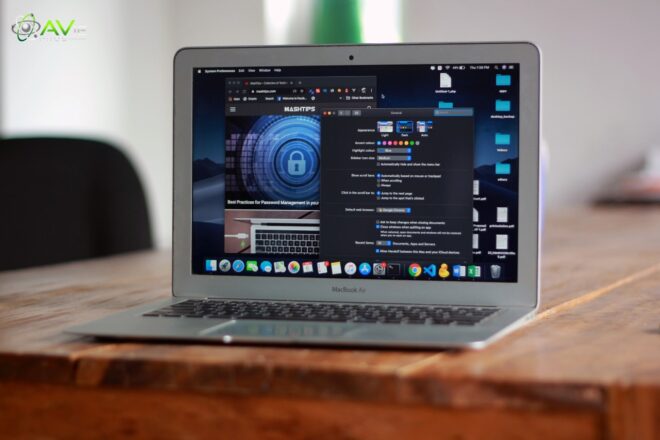
The MacBook Pro presents with Mini LED that has an SRD rating of 1000 nits along with 1600 nits rated HDR. Even a 500 nits rating is enough for a MacBook liquid retina display. It’s much higher than the required range. It proves that SRD and HRD ratings are better enough for a bright and crystal display. It provides the magical experience of usage to MacBook lovers.
The fun part about MacBook Pro is that, provides the same less give me experience which mode slides in games and videos with its 120Hz proMotion panel. Moreover, it offers a standard and average panel of 60Hz.
Moving to the next point, the speaker’s differentiation is clear-cut and understandable. Both MacBooks offer good quality sound recordings but the output for a laptop, Pro is matchless. The feature of battery speaker quality depends upon the array. So, Air has only four while Pro has six speakers settle in it for a smooth voice journey.
MacBook Air vs Pro: Ports and Fans
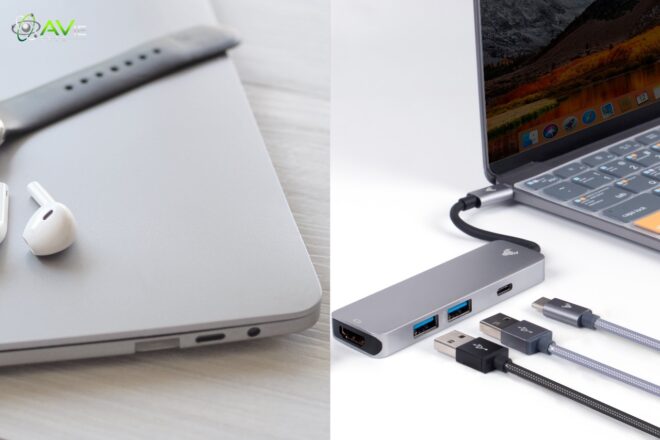
The battle is not about the performance battery timing or long dependency, it also consists of other parts like port and fans. MacBook Air doesn’t have any latest finds in it but the Pro version has an HDMI port and a powerful SD card slot. It has an extra thunderbolt port that goes with M4 Pro-based models perfectly and is even best for external monitors. One more interesting thing is, that Pro featured MacBook has a space to run Thunderbolt 5 for extra fast speed and data but on Air, it can’t installed.
The fan quality of both is amazing but like often more, Pro is better and has less noisy fans that don’t bother with unpleasant sound. It gives a silent and quiet vibe that feels so relaxing and counts as a plus point.
MacBook Air vs Pro: Performance
| Model | Geekbench 6 CPU (Multi-core) | Geekbench 6 CPU (Single-core) | Cinebench 2024 CPU (Multi-core) | Cinebench 2024 CPU (Single-core) | Cinebench 2024 GPU |
|---|---|---|---|---|---|
| MacBook Pro 16 (M4 Pro, 2024) | 22,683 | 3,943 | 1,744 | 178 | 9,037 |
| MacBook Pro 14 (M4, 2024) | 15,134 | 3,587 | 999 | 175 | 3,970 |
| MacBook Air 13 (M3, 2024) | 12,063 | 3,146 | 541 | 141 | 3,074 |
| MacBook Air 15 (M3, 2024) | 12,034 | 3,127 | 591 | 141 | 3,311 |
We have already discussed the CPU & GPU core range already in the very beginning of this guide. We will cover it in simple answers to make it for all. MacBook Pro supports the best M4 Pro chip that has extra benefits with RAM and SSD. In Greekbench 6 CPU multi-core and single-core, We tested that Apple MacBook Pro 16 and 14 are absolutely the best choices.
On the other side, in the comparison of Cinebench 2024 CPU single-core and multi-core, it still provides great results in performance. So, it decided that no one could wait for the capacity and the performance of the MacBook Pro, no matter whether in Cinebench or Greekbench. It also offers higher bars that indicate its capacity level in GPU and CPU. Overall, Pro is the actual performance king in this race.
MacBook Pro vs MacBook Air Camera
A 12-megapixel wide-angle camera with Center Stage technology is a feature shared by the MacBook Pro and MacBook Air. As you move in front of the camera, it will automatically adapt and follow you to keep you in the frame. Both are the same cameras but Pro is better in pixels, quality, and focus. It’s made of Apple silicon but no one discussed the exact calculation of both on the internet.
System Configurations
| Model | Operating System | Processor | RAM | Storage |
|---|---|---|---|---|
| MacBook Air 13 (M3, 2024) | macOS Sonoma 14.4 | Apple M3 (8-core CPU, 10-core GPU) | 16GB | 512GB SSD |
| MacBook Air 15 (M3, 2024) | macOS Sonoma 14.4 | Apple M3 (8-core CPU, 10-core GPU) | 16GB | 512GB SSD |
| MacBook Pro 14 (M4, 2024) | macOS Sequoia 15.1 | Apple M4 (10-core CPU, 10-core GPU) | 16GB | 1TB SSD |
| MacBook Pro 16 (M4 Pro, 2024) | macOS Sequoia 15.1 | Apple M4 Pro (14-core CPU, 20-core GPU) | 48GB | 2TB SSD |
MacBook Pro vs MacBook Air Which is Better?
After looking at the results and the comparison, we can say that both MacBooks are portable with cool functionalities. The overall performance, battery time, and other things voted for the MacBook Pro.
If you’re not looking for the price then MacBook Pro is the grid option to choose but if you can’t afford an experience version or model then you can invest in MacBook Air. If you’re looking for my perspective, except weight, all the things are modified in Pro. So, you must give it a try to experience the latest model having unbeatable quality and control.
Final Verdict
For your daily use and occasional projects, we find out the clarification between MacBook Pro vs Air selection. We mentioned each possible feature above there to provide a useful decision who are struggling to know the best. Read the instructions and note the tables and charts for good understanding. Go and invest in a MacBook and happy shopping!
FAQs
Is a MacBook Pro or a MacBook Air battle for students?
No doubt, both are really useful and full of advantages. But here I will suggest a MacBook Air because it’s less in weight and affordable for study purposes.
What are the disadvantages of buying a MacBook Air?
There are a lot of things but limited performance, restricted memory, and lack of ports are the main reasons.
Which Apple MacBook should I buy?
All up to you, if you can afford the expensive one then go ahead. Well, I’ll also suggest a MacBook Pro.
Is MacBook good for daily use?
Of course, it’s the latest and best purchase for your daily needs and tasks. It is still in the top laptops of the world.