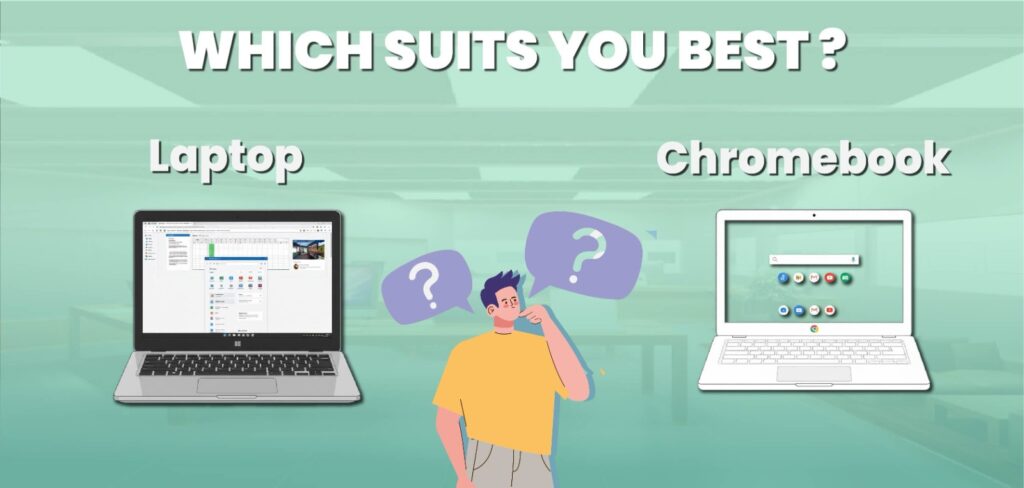
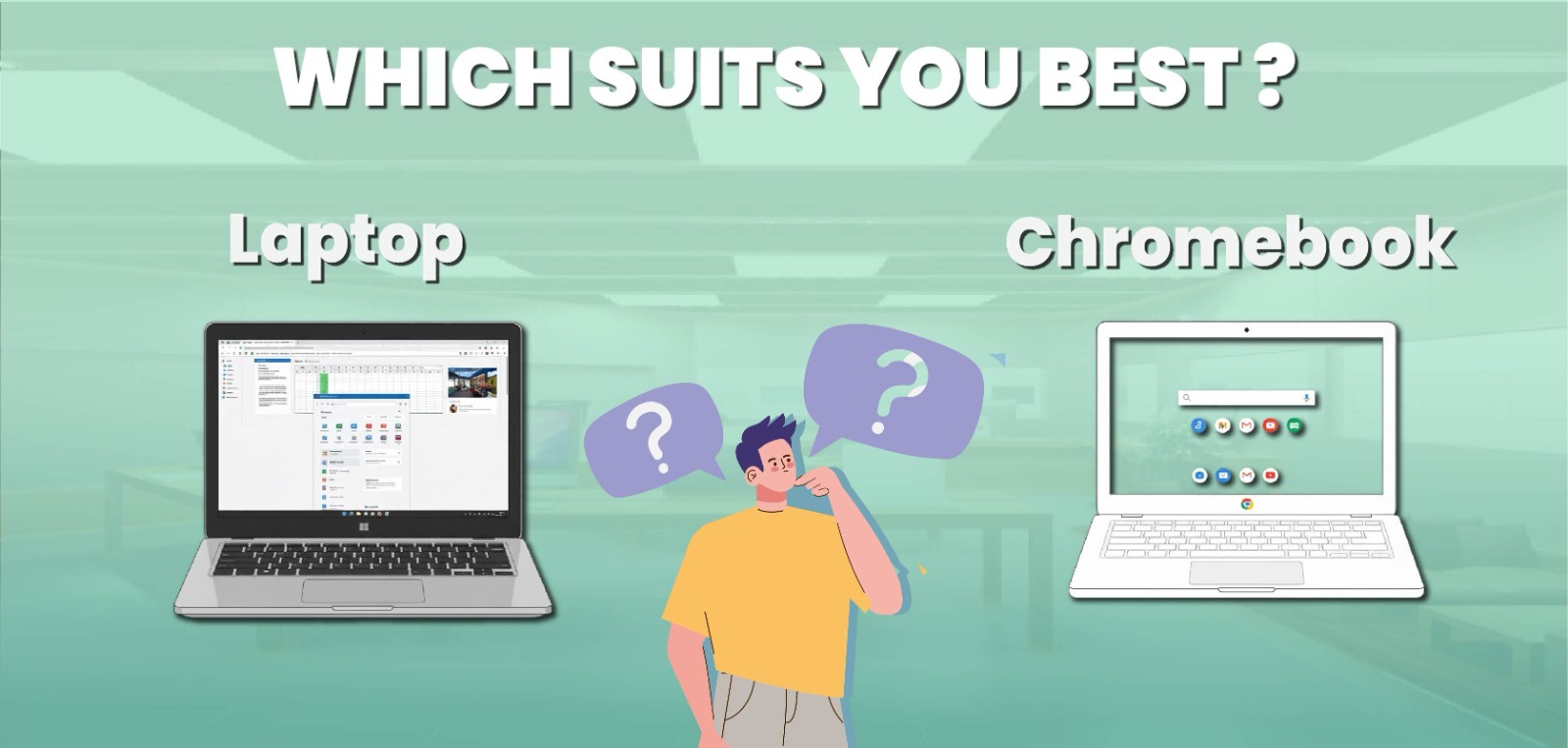
Are you confused about selecting a Chromebook vs Laptop? Then this guide is for you. While the outer appearances of the two devices are similar, their interiors and methods of operation are completely different. The majority of users buy laptops for personal, business, entertainment, or educational purposes, but most are unaware that Chromebooks and Laptops serve quite different functions.
We’ll guide you through the process of learning what a Chromebook vs Laptop is, how it’s different from a Laptop, and which is better for you in this tutorial. We’ll also discuss their price, software, storage, speed, and useful applications. You’ll be able to tell by the end which option is best for your day-to-day activities. Let’s explore it:
What is a Chromebook?
If a laptop runs the Chrome OS operating system, it’s called a Chromebook. This Chromebook system is totally created by Google, and Chrome OS is designed with online functions that are based on the web browser. Everything we browse on a Chromebook is connected to the Google services. It includes YouTube, Gmail, Drive, Documents, and such other applications.

All the applications are easily accessible through the Google Play Store, and users can download them anytime. But Google Play Store is the in-built app in Androids, for iOS, they offer App Store. Chromebook is the perfect solution for students, teachers, office-going people, and anyone who uses internet apps or a web browser.
What is a Laptop?
A laptop is a portable personal computer that can be used anywhere. With everything built into one device, it functions just like a desktop computer but in a lighter and smaller size. The screen, keyboard, touchpad, speakers, battery, and camera are all built into a laptop. Because it has its own battery, you can use it for several hours without a connection.
Laptops come in a wide range of models, from affordable models for daily use to powerful gaming laptops for business users. Laptops can be used offline as well as online. You can use third-party software, keep files on the hard drive, and even customize your system to meet your needs. They are powerful, flexible, and suitable for customers who need more than just document editing and browsing.
Battle of Chromebook vs Laptop
In the guide below, we will highlight the difference between Chromebooks vs Windows laptop functions, including storage, software systems, speed, performance, battery life, and more. Let’s roll into a Chromebook comparison with a laptop:
1. Difference in Operating Systems
The operating system is the primary difference between Chromebooks and Laptops. Chrome OS is a quick, light, and cloud-based operating system. The operating system is designed for those who rely on the internet. On the other hand, Windows is a feature-rich operating system that supports demanding apps, games, and offline software.
Chrome OS is smooth and easy to use if you only use the internet for daily tasks. However, Windows is a far better choice if you use professional software or apps like Microsoft Office and Photoshop. In short, Windows is a complete computing platform for all kinds of operations, while Chrome OS is an operating system for smartphones used as laptops.
2. Speed and Performance
Chromebooks typically boot up more quickly than Windows computers. This is due to Chrome OS’s low processing load and light weight. You may open your Chromebook and start working in a few seconds. However, Laptops may take a long time to boot up, especially if they have outdated hardware or too many programs installed at startup.
However, Laptops are more powerful in terms of performance because they can run massive software programs, advanced video games, and difficult jobs. A Chromebook seems faster and simpler if all you need it for is browsing, learning, or streaming. However, a Laptop performs far better when multitasking or running large apps.
3. Storage and Cloud Saving
Because Chromebooks are designed to use cloud storage via Google Drive, they have a limited amount of internal storage. This suggests that the majority of your documents are stored online. The benefit is that, with a Google account login, you can quickly access your data from any device. Large internal storage capabilities, like SSD or HDD, are found in Laptops.
Photos, videos, games, and software can all be stored right on the laptop. This is appropriate for people who work with huge files and need more space. Therefore, a Chromebook is suitable if you don’t need a lot of local storage and are always online. Laptops are the best option, however, if you require more offline use and file access.
4. Software and Applications
Web apps and Android apps from the Google Play Store are used on Chromebooks. You can use Google Sheets instead of Excel and Google Docs instead of Microsoft Word. However, Chromebooks do not fully support the majority of professional desktop programs, such as Adobe Photoshop, AutoCAD, or the full Microsoft Office suite.
However, almost any software can be installed on Laptops. Windows has everything, including games, video editors, office utilities, and programming tools. For this reason, Windows systems are used by professionals, developers, and gamers. To put it briefly, Laptops are suitable for full desktop applications, whereas Chromebooks are best suited for simpler apps.
5. Internet Dependence
The other important difference is the importance of the internet. Since Chromebooks do the majority of their work online, they work best when linked to Wi-Fi. You can still use some apps offline without an internet connection, but you won’t be able to make full use of them. This problem does not affect Laptops.
In fact, you can do almost anything offline, including writing documents, playing games, editing images, and watching videos that are saved on your device. For users who travel or live in places with limited internet, Laptops become more adaptable.
6. Security and Protection
Chromebooks have an important advantage in terms of security. Chrome OS has virus prevention and updates itself automatically. Since everything is saved online and under Google’s control, there is an extremely small chance of getting malware or viruses. Laptops are particularly at risk of security risks because of their more frequent use.
Installing antivirus software is essential for system protection. For specialists, however, Windows offers enhanced safety features and more flexibility. Buy a Chromebook if you want simple, hassle-free security. Laptops can be just as secure if you want more control and are careful about what you install.
7. Battery Life Comparison
Chromebooks’ batteries last a long time. They can be used for 10 to 15 hours on a single battery since they use simple software and lightweight hardware. Students and tourists love them because of this. Depending on the model and application, Laptops vary.
Generally speaking, powerful laptops with strong processors or gaming setups have lower battery lives (5 to 8 hours). However, some modern Laptops with powerful CPUs can run for ten hours or longer. Overall, Chromebooks have excellent battery life, especially when used for lengthy periods of time each day without needing to be charged.
8. Price and Value for Money
One important issue is price. Generally speaking, Chromebooks are far less expensive than Windows PCs. For less than $300, you can purchase a good Chromebook that is perfect for light tasks like browsing and online learning. Laptops come in a wide range of price points, from entry-level machines.
Which start at about $350 to high-end versions that cost over $1000. Usually, the brand, storage, and performance determine the price. Chromebooks are more affordable, but they have limitations. Although Laptops are more expensive, they offer better value over time if you need more power.
9. Design and Build Quality
Chromebooks and Laptops come in a variety of designs. Chromebooks are often lightweight, small, and portable. Some of them even have the tablet-like 2-in-1 touchscreen variant that folds up. Laptops are available in a wider variety of designs.
Including business notebooks, gaming laptops, and small Ultrabooks. Depending on your budget, you can choose between metal coatings and plastic. Generally speaking, Laptops from well-known manufacturers like Dell, HP, or Lenovo feel more expensive.
10. Gaming and Entertainment
A Chromebook is not the best option if gaming is your main hobby. The majority of Chromebooks can only run web-based or Android games, which are not as strong as PC games. However, Laptops are made for gaming.

You may use gaming accessories, play games, and download Steam. High-end Laptops use independent graphics cards to provide a smooth gaming experience. Laptops are, therefore, the best option for gamers and content creators.
11. Updates and Maintenance
Chromebooks don’t require a lot of maintenance. They require no user setup and update safely in the background. You never have to manually install system updates or new drivers. Updates, driver installations, and occasionally troubleshooting are necessary for Laptops.
However, it also means you can tweak performance and have more control over your laptop. While Laptops provide experts more power, Chromebooks are simple for beginners.
What Is Better, a Chromebook or a Laptop?
The decision totally depends on how you use your device, whether it’s a Chromebook or a laptop. But Chromebook is a perfect option for the students and teachers who are looking for Internet browsing, watching videos, and using applications. One plus point, Chromebooks are small and safe to use, but not suitable for offline work or heavy software.
On the other hand, a Laptop is more stable and flexible. It allows you to work with heavy files, play games, and install any software that you are looking for. A window laptop provides a useful experience of using Microsoft Office, Photoshop, or programming tools.
It has unique performance with adaptability benefits because it works for both online and offline. At the end of the discussion, I must say Laptops are better suited for advanced business-related applications, whereas Chromebooks are the go-to option for everyday, simple usage.
What Laptop Should I Buy?
Before making a Laptop purchase, you should think about your goals and financial situation. A mid-range laptop with an AMD Ryzen 3 or Intel Core i3 processor is a good choice for general tasks like studying, browsing, and watching movies.
These laptops are reasonably priced and perform well for simple activities. Choose a laptop with a processor that is at least an AMD Ryzen 5 or Intel Core i5 if you need it for work, multitasking, or light gaming. You get more speed and storage as a result.
A laptop with an Intel Core i7 or Ryzen 7 processor and a dedicated GPU will perform much better for programmers, designers, or gamers. Good Laptops are made by companies like ASUS, Lenovo, HP, and Dell. Choose one with a minimum of 8GB of RAM, an SSD for increased speed, and a long battery life.
What Chromebook Should I Buy?
The best thing about Chromebooks is that, because Chrome OS is lightweight and simple, even the less expensive models function well if you enjoy using them. Chromebooks like the HP Chromebook 14 and Lenovo Chromebook Duet are good for use in classrooms or at college.
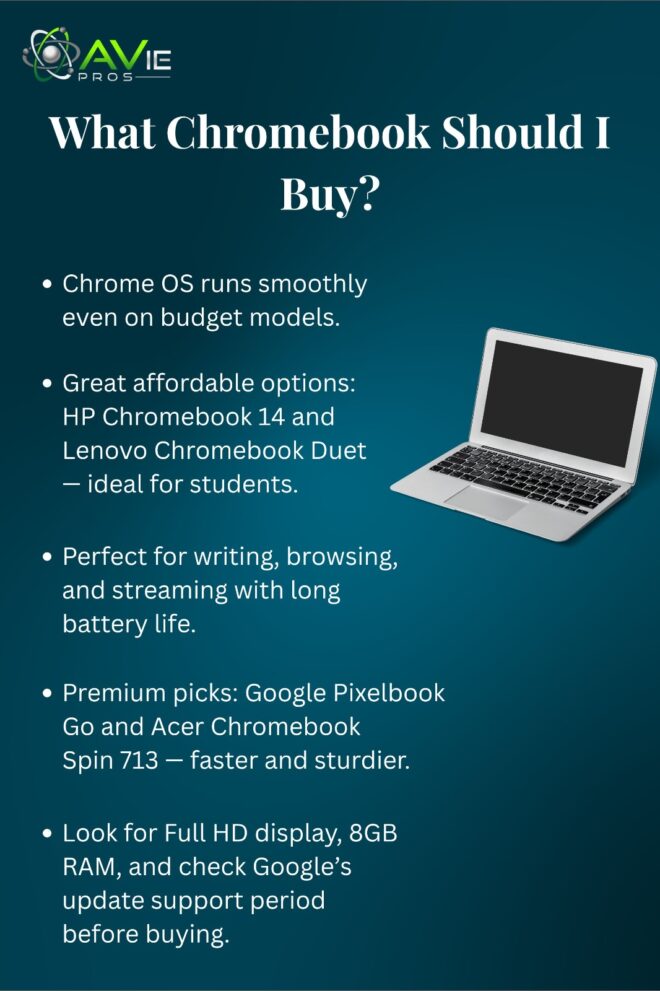
They can easily do jobs like writing, browsing, and watching videos, and they are lightweight and have a long battery life. You can choose devices like the Google Pixelbook Go or the Acer Chromebook Spin 713 if you want something more powerful and expensive. These Chromebooks are built stronger, have better screens, and more powerful processors.
Make sure the Chromebook you purchase has a Full HD display and at least 8GB of RAM. Additionally, make sure to verify Google’s automatic update period, as each Chromebook has a set number of years during which it receives updates.
Which is More Secure, a Chromebook or a Windows PC?
Chromebooks are more secure than Laptops. One of the top issues for Chrome OS is security. With every startup, it checks for harmful software, updates automatically, and securely stores data in the cloud. Chromebooks rarely have malware or viruses because of this. Laptops are also safe, but they need a little more user care. Windows increases risk by allowing the user to install a wide variety of software.
To keep your system safe, you need antivirus software and updates. When pros want to customize their protection, Windows does provide them a little more control. Therefore, a Chromebook is safer if you like simple, hands-off security. However, if you want more control over your professional tools, a Laptop can also be highly safe if you use it properly.
Conclusion
Your daily usage needs will decide whether you choose a Chromebook or a Laptop. Laptops are flexible, powerful, and best suited for offline use and resource-intensive work. On the other side, Chromebooks are speedy, affordable, and perfect for online use.
A Chromebook is for you if all you want is a lightweight device that you can use for browsing, learning, or watching videos. However, a Laptop is the ideal investment if you want complete control, top performance, and the ability to install any program.
FAQs
1. Can I install Windows on a Chromebook?
Technically, no. Chromebooks are built for Chrome OS only. Some advanced users install Linux, but it’s not recommended for beginners.
2. Can a Chromebook run Microsoft Office?
Yes, but only the web version of Microsoft Office through a browser. It doesn’t support the full desktop version.
3. Do Chromebooks work offline?
Yes, some apps like Google Docs and Gmail can work offline, but most features need an internet connection.
4. Are Chromebooks good for gaming?
No, Chromebooks can only play basic or Android games. Laptops are far better for gaming.
5. Which one lasts longer?
Both can last years, but Laptops usually have stronger hardware and more upgrade options, giving them a longer life span.