Console vs PC Gaming Comparison – Which One is Right for You?
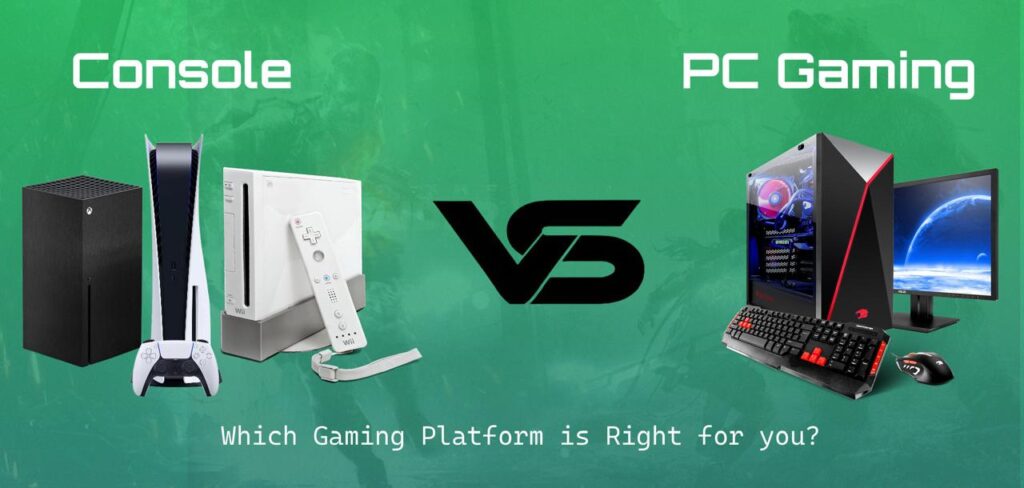
Exploring Console vs PC Gaming. The difference between PC and console gaming has become so confusing that the similarities now much exceed the differences. They are not that different from one another. With their products, console manufacturers are becoming more popular and gaining users. Only Nintendo was first introduced in this field, but Sony and Microsoft are also doing this to an amazing level. Additionally, if you play PC games, you probably own one or two consoles, even if it’s just a Switch. Let’s explore it: About PC Gaming PCs are more complex than game consoles, for a better experience. When it comes to creating your PC, upgrading specific components, and playing a variety of games in different settings, you have a lot of options. You may also upgrade your setup with a variety of third-party items and installations. However, there is a challenging complexity associated with that flexibility. Not all hardware alternatives work together, and software issues may arise because of outdated drivers or incompatible PC components. In summary, a wide range of possible conflicts might arise, which is why PC troubleshooting has given rise to entire communities. About Console Gaming Playing video games on specialized gaming consoles like the PlayStation, Xbox, or Nintendo Switch is known as console gaming. In order to deliver gaming experiences, these consoles are pre-built with specific hardware configurations and are linked to a TV or monitor. A simpler, plug-and-play method is offered by console gaming. Smooth gameplay is guaranteed right out of the box, thanks to the hardware and software being tuned for gaming. Console vs PC Gaming Comparison Here are some tips to help you find out which option is best in console vs PC gaming for you. Let’s breakdown: Easy to Use It should go without saying that a game console is far more user-friendly than a gaming PC. For the greatest experience, users should have a somewhat basic or intermediate level of knowledge about HDR, resolution, and refresh rate because modern gaming consoles are a little more complicated than their predecessors. PC gamers, however, should be aware of the overall system. The list is endless and includes drivers, BIOS upgrades, device compatibility, software problems, and Windows updates. PC gaming requires more setup, customization, control, and game setting adjustments. Like installing game update drivers, and PC parts including graphics and RAM. When it comes to console gaming you just need to connect the console to your TV insert the game or download it. Simply you are capable of playing and well to go. It also comes with a controller made just for the console. So, you can easily deal with it. The plus point at small value in control gaming is once you buy a console you don’t need to set or upgrade it. It’s a complete package already set for years. Affordability Are you also a user who is concerned about the budget regarding PC and console? The solution to your problem is that we can discuss which one is budget-friendly and cost-efficient. For console gaming, you can purchase the console at affordable prices, including games and online multiplayer. But the fact is, console gaming has a limited edition in varieties. On the other side, if we have a look at the PC gamer, we can see a wide range of collections and varieties that can be purchased for your computer. It has a plus point of customization options. But no one can own a custom-built machine for their PC. In PC gaming, if you have the opportunity to customize, then you have to pay the actual cost for the level of performance. It’s all up to the user how much they can afford and customize the system within limitations. No doubt, it’s expensive. Game Library Differences Firstly, we will discuss the consoles which include PlayStation, Xbox, or Nintendo Switch, please console has its store. Let me tell you the definition of a game library system first, it’s a place where you can browse, buy, and play games. You can easily buy digital games online and physical discs. Your purchased game will be saved on your PC and you can use it anytime by downloading. Let’s talk about PC gaming, it can be handled on different platforms called launchers like Origin, Epic Game Store, or Steam. The process of buying games and storing them in the library is the same as console gaming. All your games are stored inside the launcher and can be uninstalled or installed anytime. Peripherals Consoles come ready for gaming, with fewer add-ons needed. But you can still use a variety of accessories. Most console accessories are official or console-specific. You just need to plug them in, and they work with no drivers needed. You can’t use every mouse, keyboard, or monitor. Some accessories only work with certain consoles (e.g., PlayStation VR only works with PlayStation). PCs support a wider range of devices and you can customize almost everything. You can choose different brands, custom setups, and even build your gear. You can change settings for every device including speed, lighting, macros, and more. You may need to install drivers or adjust settings. Some gear is expensive, depending on quality and brand. Technical Skills Generally, we see the technical skills, which are good, more commonly found in PC gamers. No doubt we can add new hardware to the console gaming, like new hardware. It also includes installation updates for their console. Technical skills do not mean adding HTML codes or installing programs. It only means that a user must be capable of setting up their computer with basic concepts of operating. If a user can upgrade the hardware components and can easily install new drives and functions into their PC, it’s called an intermediate skill level person. Overall Value While game consoles are less costly than gaming PCs, this does not mean that they are a better investment. A console is designed to do certain things, including stream media and play games. A PC may be used for anything from web browsing to video