How to Do an SEO Audit? A Step-by-Step Guide for Better Rankings
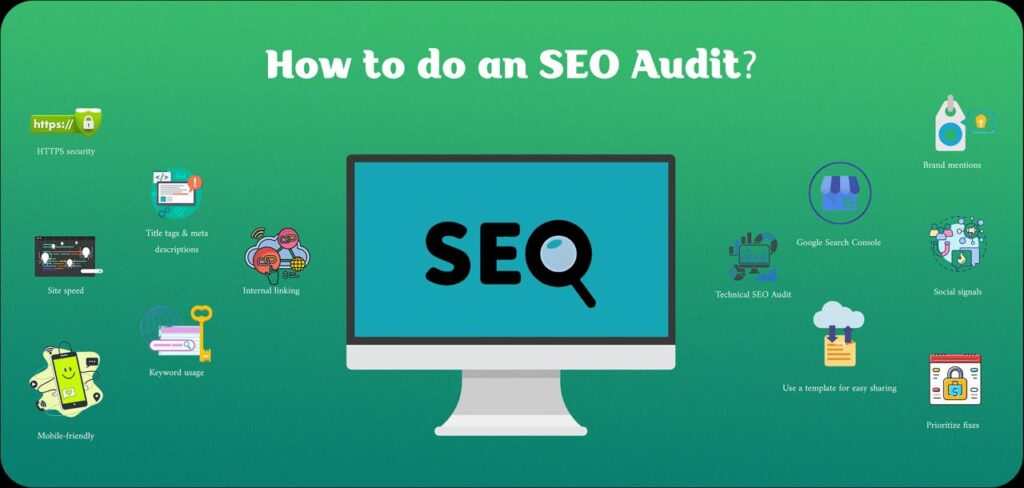
Struggling and unsure why your website isn’t getting noticed on Google? Remember, you’re not alone. Many website rankings get affected when people miss those hidden issues. The good news? With a simple SEO audit, you can fix them and boost your traffic. Regular audits are like a check-up to make your site strong and find it online easily. You’ll learn how to do an SEO audit in this step-by-step guide. Let’s make your website visible by working smarter, not harder. What Is an SEO Audit and Why Is It Important? An SEO audit is important if you want your website to grow. From a medical point of view, it’s like a doctor who regularly checks your website health. In simple words, to know how well your site is performing in different search engines, particularly Google, an SEO audit is done. From your content to your code, you get to look at all the parts that hurt your website’s visibility. Spotting these issues early and fixing them quickly will help make your site error-free and show up regularly in search results. Why Does an SEO Audit Matter? Ranking a website having lots of problems is quite difficult, even if it has great quality content. Google doesn’t prefer to show such kind of sites in its search results to the users. To make your site favorable in the eyes of Google, it’s important to do regular monitoring. Finding issues like slow-loading pages, broken links, missing titles, or weak keywords becomes super easy when you do a complete audit. Your traffic, speed, and trust with search engines all get boosted once you remove those errors. Types of SEO Audits With three main types of SEO audits available, each one focuses on a different part of your website: Technical SEO Audit: How your site runs behind the scenes is what gets checked in this type of audit. Speed, mobile use, site structure, and crawl errors are the things to look for in the website. On-Page SEO Audit: This category of SEO audit reviews your content, titles, images, and keywords. It helps search engines understand what each page is about. Off-Page SEO Audit: Your site’s reputation and backlinks are analyzed. In this audit, check how your rankings are affected by who’s linking to you. A full picture is displayed of what to fix first on your site and how it’ll perform after all three SEO audits. The Complete SEO Audit Checklist You need to know what’s wrong and what’s broken on your website before fixing anything. A complete SEO audit checklist helps in that regard. To ensure you don’t miss anything, this checklist guides you to analyze all the key areas of your website. 1. Technical SEO Check First up in the audit checklist is to go through all technical aspects of your website that go behind the scenes. It’s always good to start with the basics. To check how well your site works, perform a technical SEO audit. Fast loading speed, mobile-friendly design, working links, and secure HTTPS are the important things to look for while doing this type of audit. To spot crawl errors and other hidden problems, using tools like Semrush and Ahrefs SEO audit is also helpful. 2. On-Page SEO Check After dealing with all the website technicalities, it’s time to focus on things that people see directly on your website. Your page titles, meta descriptions, headers, and keywords get looked at by doing a thorough on-page SEO audit. Ensure that the content on each page of your website is clear, useful, and matches the user’s search terms. 3. Content Audit On your site, it’s always quality content that keeps visitors engaged. So, always make sure to do a regular audit of your website content. Remove low-quality or old content by going through your blog posts and pages. Provide fresh info to update useful posts. Answers a real question or solves a problem on every page. 4. Off-Page SEO Check In this part of auditing, it’s all about gaining trust. Knowing who’s linking back to you is what a strong off-page SEO audit looks like. Moreover, to check backlinks, use a tool like Ahrefs SEO audit. From trusted websites, only look for quality links and always remove or disavow spammy ones. 5. Local SEO Audit Don’t skip this part if you run a local business. To make your business show up in local searches, perform a local SEO audit. Your name, address, and place (NAP) must be the same everywhere. Also, check local listings, reviews, and update your Google Business Profile (GMB). How to Do a Technical SEO Audit? As mentioned earlier, a technical SEO audit is fixing things that people can’t see on the website. It’s about letting search engines crawl, read, and rank your site properly. The following are the behind-the-scenes problems and how to solve them: 1. Check Your Site Speed Your rankings and visitors both get hurt with a slow-loading website. To test your site speed, use tools like Google PageSpeed Insights and GTmetrix. Anything that slows down the site, remove it. Make sure to use smaller images and clean up code. 2. Make Sure Your Site Is Mobile-Friendly More than 90% of people search on their phones. Therefore, you’ll lose traffic for sure if the site is not optimized for smartphones. To check the working of your site on smaller screens and how it looks, use Google’s Mobile-Friendly Test. 3. Test Crawlability and Indexing For the site to rank, your pages must be read and found by search engines. To check page indexation, take the help of Google Search Console. Furthermore, to crawl your site and spot issues like broken links or missing pages, Screaming Frog is a good tool. 4. Use HTTPS for Site Security To build trust both with users and search engines, it’s always crucial to have a secure website. Your site must have an HTTPS version, not just HTTP. In case if it is not